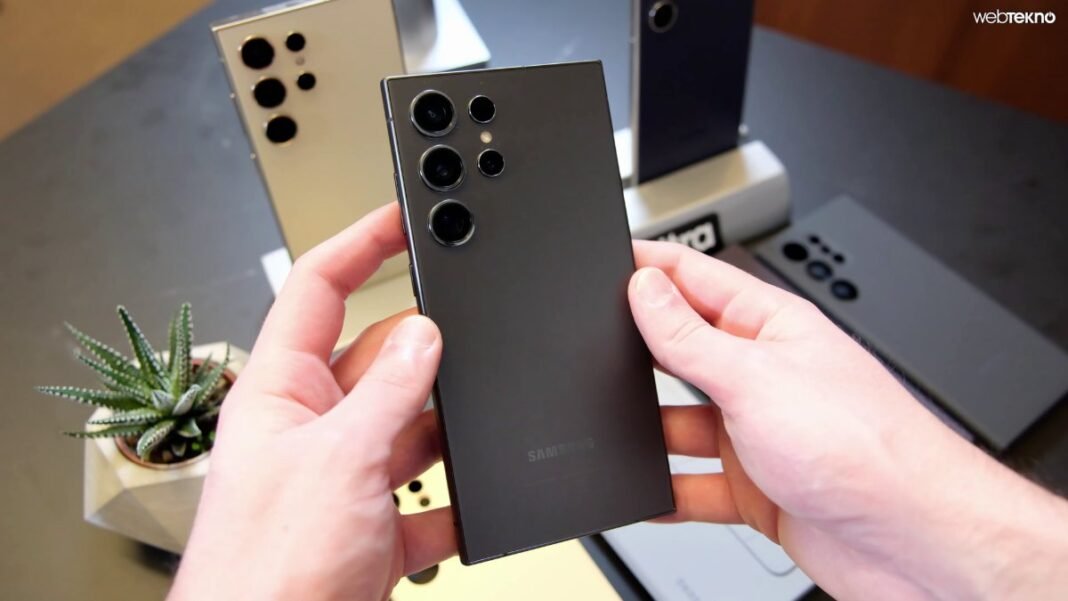
If you own a Samsung Galaxy S24 Ultra, a big software update may be on its way. Samsung has started rolling out the stable One UI 9.0, which is based on Android 17, according to SamMobile.
Which phones are getting it?
The update first came to South Korea and is now reaching more countries, including India and Europe. SamMobile lists the Galaxy S24, S24+, S24 Ultra and, in some markets, the S24 FE. The rollout is in stages, so some owners will see it earlier than others.
What is new?
Reports mention Galaxy AI improvements and interface changes such as a more customisable Quick Panel and thicker sliders, according to Sammy Fans. Samsung’s full changelog may add more.
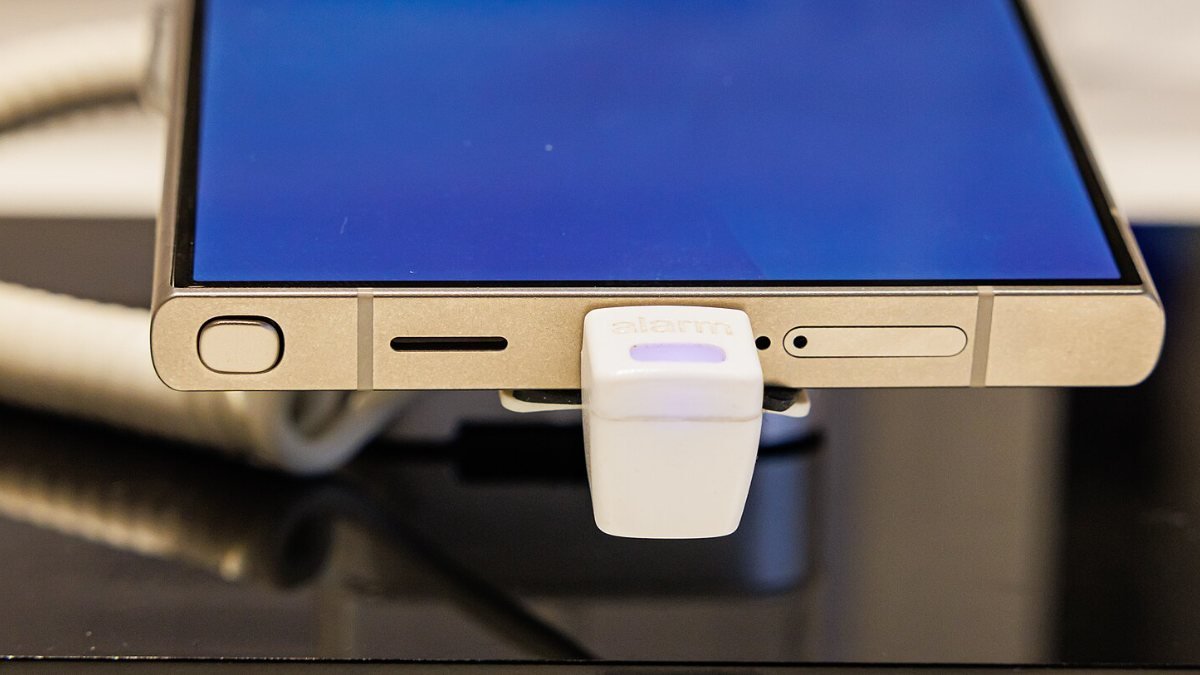
How to check for the update
- Open Settings.
- Scroll to Software update.
- Tap Download and install.
If it does not show up yet, it usually arrives over the next few days. Some users in Indian Samsung community posts report a build for the S24 Ultra of about 3.6 GB. These are user posts, not an official Samsung announcement, so your version may differ.
Before you update
- Back up your photos, chats and files.
- Use Wi-Fi and keep the battery above 50%.
- Leave some free storage, since a large update needs room to install.
Questions to think about
- Do you update your phone right away or wait for others to report problems?
- How long should a company keep sending big software updates to a phone?
- Which new feature would matter most in your daily use?
Sources: SamMobile, Sammy Fans and Samsung Members community posts, as of October 13, 2026.